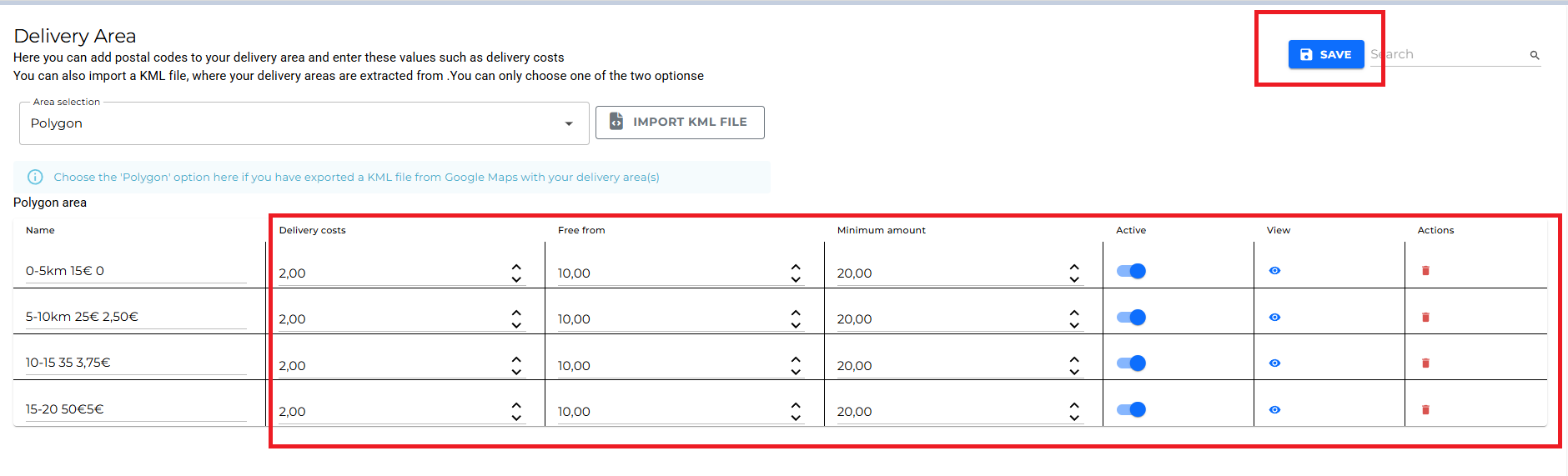
1.) If you haven't yet, create your own delivery-area polygon via https://mymaps.google.com/
If you don't know how that works, click the following LINK first:
2.) Let's assume you are in your Order-Module:
Click here to access the store settings: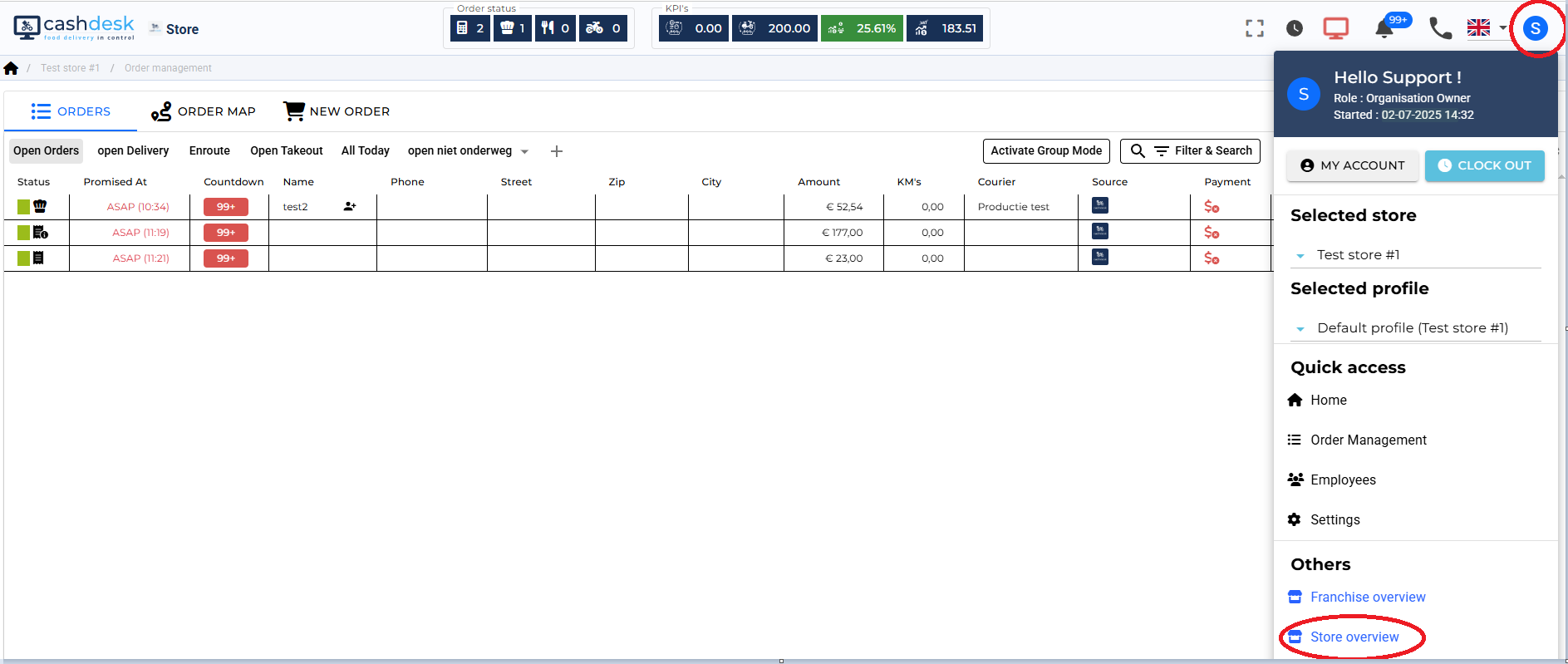
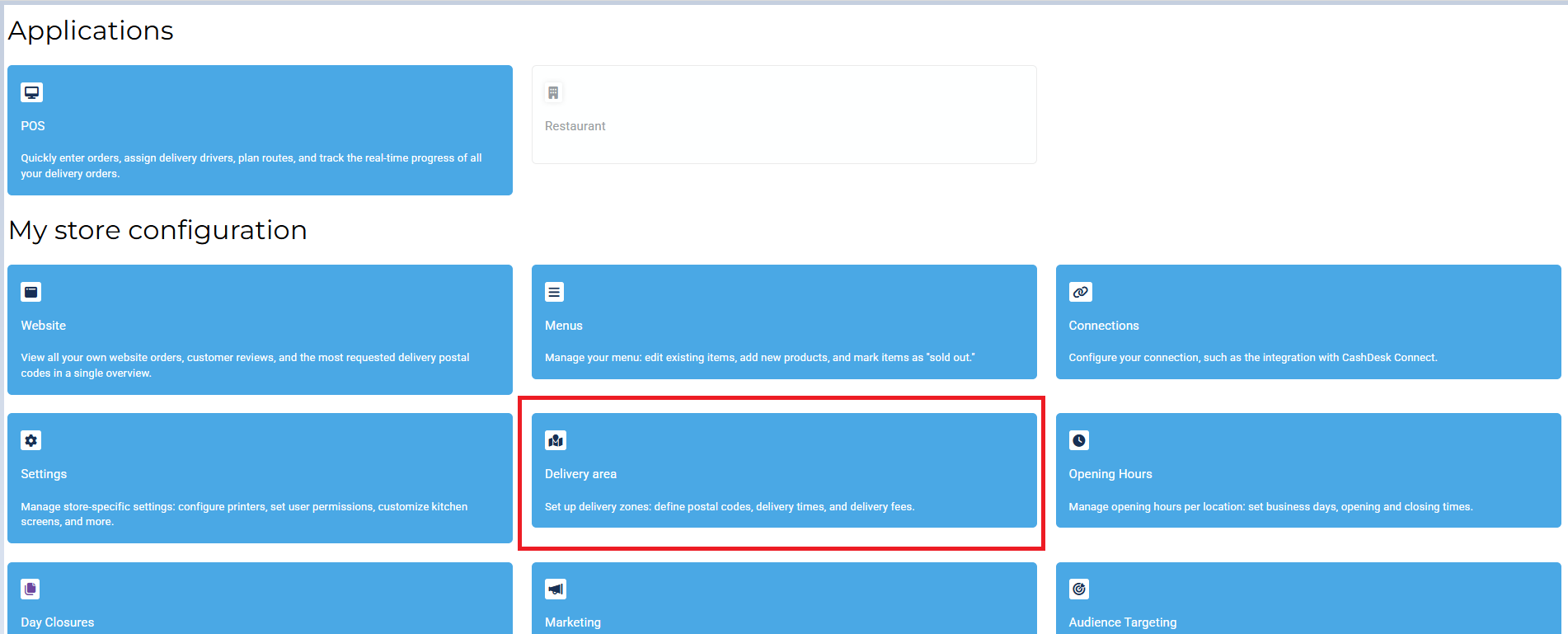
Change the setting to "Polygon instead of Zip-Codes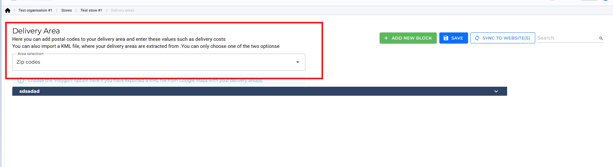


Now we import out created map.
Chose the file saved on your computer which you downloaded before.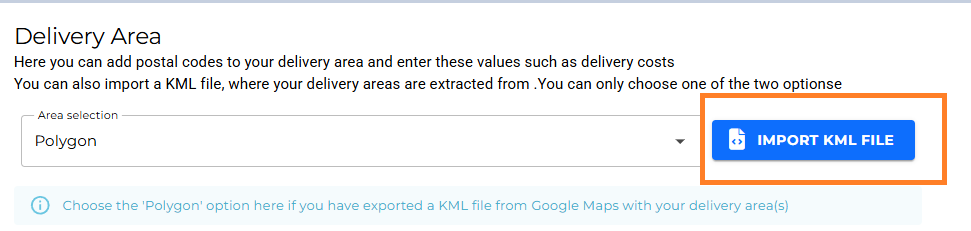
You don't have to change anything here, because you can manually adjust everything in a second.
Simplyclick "IMPORT".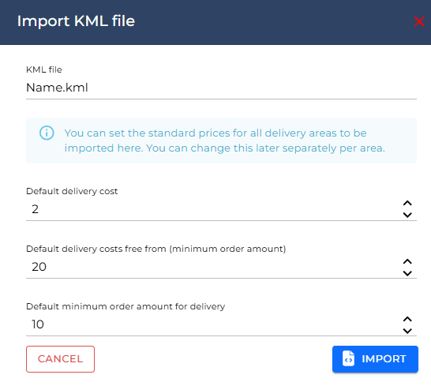
Now you can manually adjust everything and once you are done, click "Save".