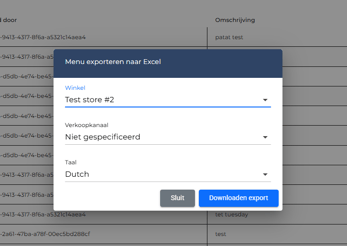
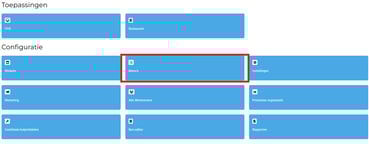
Step 1. Go to your menu in your POS system.
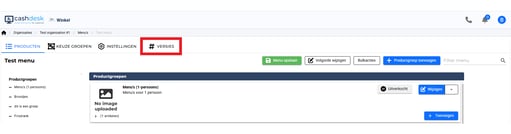
Step 2. Navigate to “Versions.”
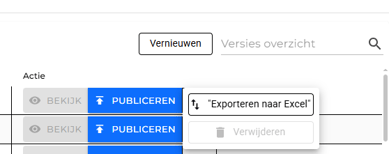
Step 3. Select the latest version and click the arrow all the way on the right side.
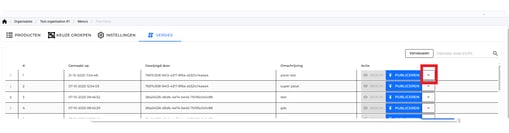
Step 4. Choose the option “Export to Excel.”
Step 5. Select your restaurant and click on “Download Export.”