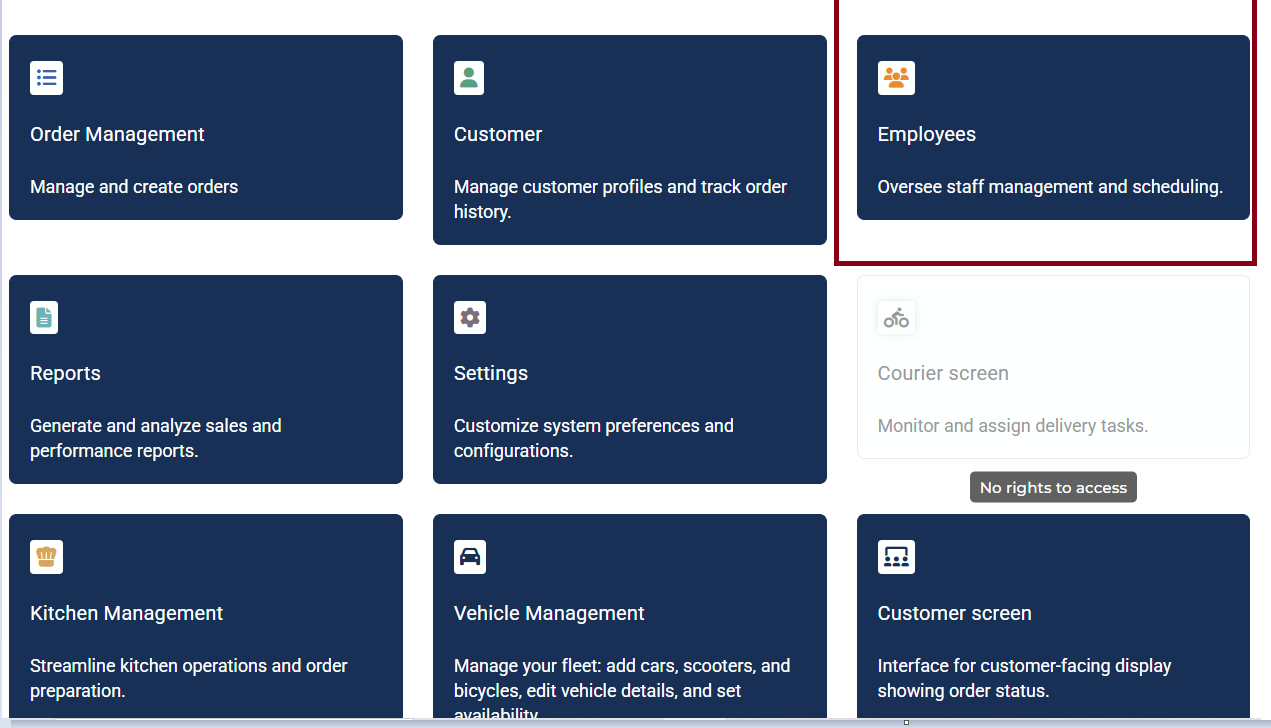
- First of all you have to enter the "Employees" menu from your POS main screen.
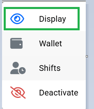
- Next up select the employee of choice and click the right arrow and "Display"

- After that click on "Personal", then "Edit"
Then you can set the hourly wage and click on save.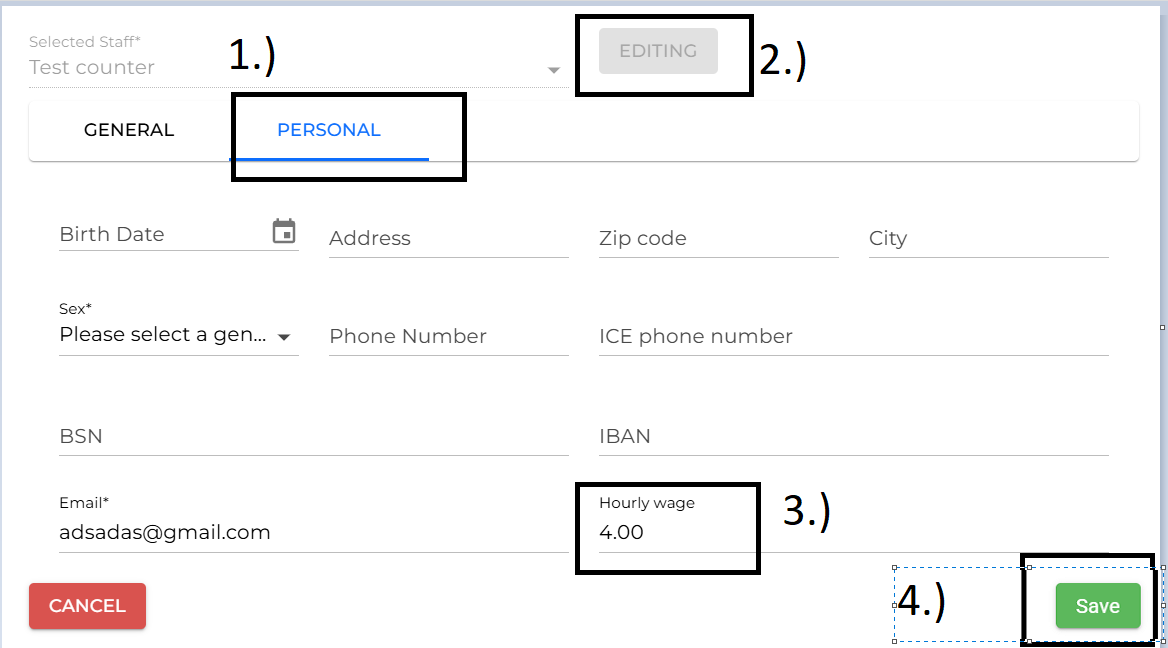
English